AI Assistant Development Cost in 2026: RAG Chatbots, CRM Integrations, Guardrails, and Support
A practical buyer guide to AI assistant development cost in 2026: prototypes, RAG chatbots, knowledge-base assistants, CRM and website integrations, guardrails, evaluations, monitoring, and support.
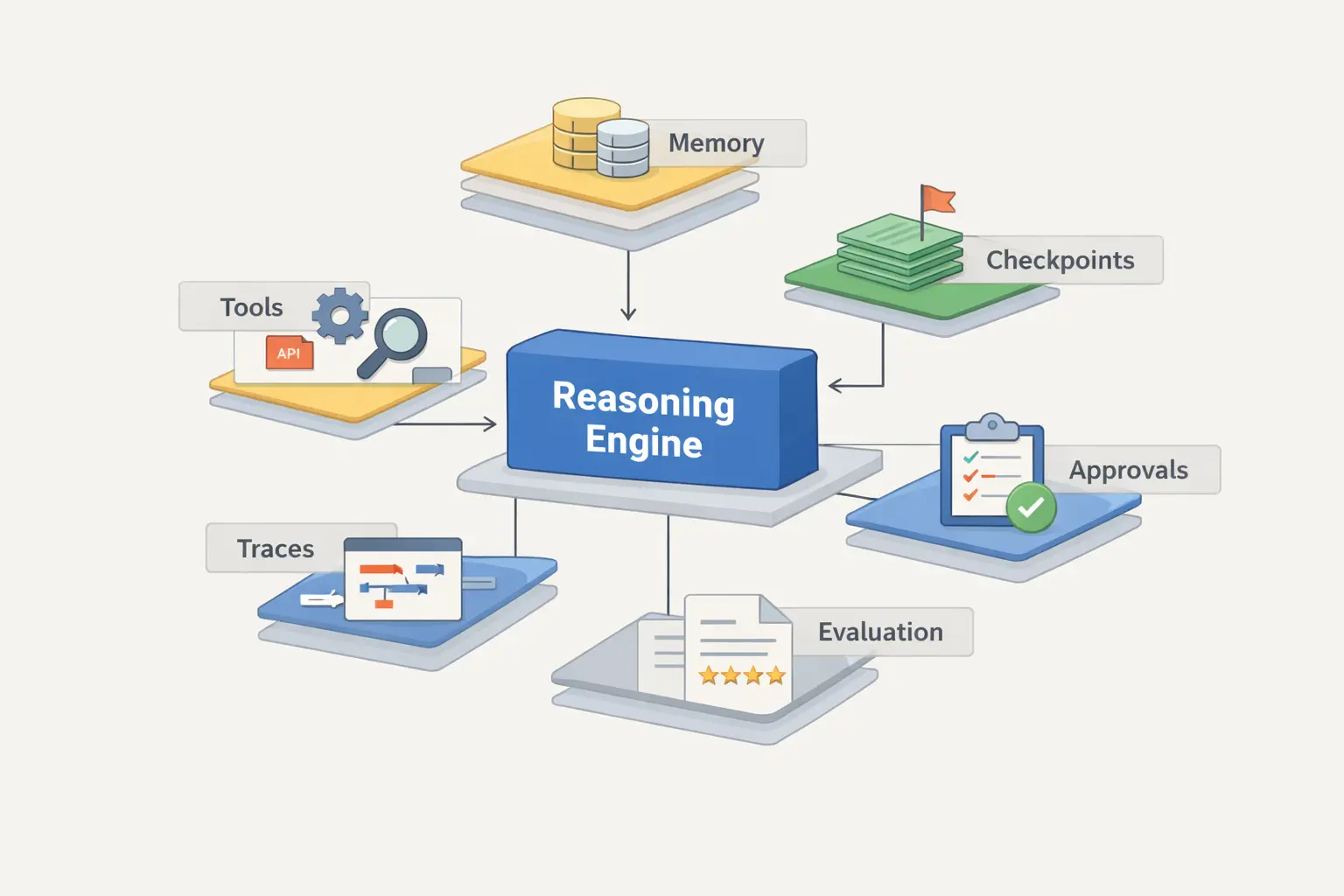
An AI assistant can start as a small website or Telegram prototype, but a business-ready assistant usually costs more because it needs knowledge preparation, retrieval, permissions, integrations, guardrails, evaluations, monitoring, and ongoing support. The main budget question is not the model call; it is how much business context and responsibility the assistant must safely handle.
What you are really paying for
The useful short answer: an AI assistant is cheap only when it is allowed to be shallow. The budget grows when it must be accurate, connected, secure, observable, and useful in real business workflows.
Prototype, RAG assistant, or integrated business assistant?
Most price confusion starts when every AI feature is called a chatbot. These three scopes behave differently, and they should not be estimated as the same product.
| Comparison point | Main job | Typical scope | Cost drivers | PAS7 route |
|---|---|---|---|---|
| AI prototype | Test the use case quickly | One channel, limited prompts, small knowledge sample, basic UI, no heavy integrations | Prompt design, simple UX, one model provider, lightweight testing | Discovery or MVP sprint |
| RAG knowledge assistant | Answer from company documents or site content | Document ingestion, chunking, embeddings, retrieval, answer formatting, citations, fallback paths | Content quality, document volume, search relevance, permissions, update frequency, evaluation set | AI assistant service |
| Integrated business assistant | Help users complete real tasks | Website or Telegram UI, CRM/API actions, ticket creation, lead routing, notifications, logs, handoff | Tool permissions, workflow states, failure handling, monitoring, security review, support ownership | AI assistants + business automation |
Three practical budget scenarios for 2026
These are planning scenarios, not fixed packages. Public pricing guides in 2026 vary widely, but the pattern is consistent: prototypes are smaller, RAG systems cost more, and action-taking assistants need custom estimation because they carry business risk.
Recent 2026 market guides show very broad ranges for AI chatbot and assistant projects because they mix small FAQ bots, RAG systems, and enterprise agents in one category. PAS7 estimates should therefore start from responsibility: what can the assistant see, what can it say, and what can it change? [1][2][3]
FAQ, lead routing, or simple support
Best when the assistant answers a narrow set of questions, captures contact data, routes users, or explains services. It can live on the website or in Telegram, with limited business logic.
knowledge base and document search
Best when users need answers from policies, docs, product pages, instructions, manuals, or internal knowledge. Budget depends heavily on content readiness and retrieval quality.
CRM, workflows, and actions
Best when the assistant creates tickets, updates CRM, checks order status, triggers notifications, or supports internal operations. This requires stronger permissions, logs, approvals, and support.
The eight factors that usually move the estimate
If two AI assistant quotes look very different, they usually include different answers to these questions.
1. Knowledge readiness
Clean documentation lowers cost. Scattered PDFs, duplicated pages, outdated policies, screenshots, and inconsistent product data increase preparation and testing work.
2. Retrieval quality
A serious RAG assistant needs chunking, indexing, retrieval tuning, answer formatting, citations, and fallback behavior when the answer is not in the knowledge base.
3. Channels
A website widget, Telegram bot, internal dashboard, Slack, or CRM panel each has different UX, authentication, analytics, and deployment work.
4. Tool use and actions
Reading a document is simpler than creating a ticket, updating a lead, sending an email, booking a meeting, or changing a customer record.
5. Permissions
The assistant may need to show different answers to public users, clients, staff, managers, or admins. Access control is a product and security requirement, not a prompt trick.
6. Guardrails and handoff
A business assistant needs refusal rules, escalation paths, human handoff, action confirmation, sensitive-data boundaries, and safe behavior when confidence is low.
7. Evaluations
OpenAI's evaluation guidance reflects the production reality: teams need test cases and recurring checks, not only a nice demo conversation. [4]
8. Monitoring and support
Usage, failure rate, unanswered questions, tool-call errors, token cost, and drift must be visible after launch. Otherwise the assistant becomes a black box.
What causes unreliable AI assistant answers
Bad answers rarely come from one problem. They usually appear when the product treats AI as a magic box instead of a system with inputs, permissions, tests, and logs.
The knowledge base contains outdated, duplicated, or contradictory information.
Retrieved context is too broad, too small, or not relevant to the user's question.
The assistant is allowed to guess instead of saying that the answer is missing.
There is no evaluation set with real customer questions and expected behavior.
The assistant has tools but no approval model, action limits, or rollback path.
There is no analytics loop to see what users ask, where answers fail, and what content must be improved.
When a custom AI assistant is not the right first step
A sales article should still be honest about fit. Some teams should start with a simpler tool or a narrower pilot before paying for custom development.
Use a hosted tool first
If the assistant only answers a few public FAQ questions and no integration is needed, a hosted chatbot builder may be enough for the first test.
Clean the knowledge base first
If your policies, services, products, or internal docs are outdated, development will expose that problem. Content cleanup may be the highest-ROI first move.
Build custom when workflow matters
Custom development makes sense when the assistant must use your data, respect permissions, connect to CRM, work in Telegram, trigger actions, or produce measurable business outcomes.
Avoid fake autonomy
Letting an assistant take risky actions without confirmation, logs, or monitoring is not automation maturity. It is hidden operational risk.
How PAS7 scopes an AI assistant
A useful estimate starts with the assistant's responsibility, not with a generic feature list.
Map the assistant's job
We define audience, channels, allowed topics, handoff rules, expected answers, business actions, and the point where a human must take over.
Audit knowledge and integrations
We check documents, site content, CRM/API access, Telegram or website requirements, data freshness, and permission boundaries.
Build a controlled MVP
We implement the assistant with retrieval, prompts, UI, analytics, logging, and the smallest set of tools needed to prove value.
Evaluate and support
We review real questions, improve retrieval, add missing content, tune guardrails, and plan the next integration or support cycle.
What to prepare before requesting an estimate
You do not need a technical specification before contacting PAS7, but these inputs help us give a more useful first estimate.
Main job
What should the assistant help users accomplish: answer questions, qualify leads, support customers, search documents, or trigger internal actions?
Knowledge sources
Links, docs, PDFs, Notion/Google Drive/CRM data, product pages, policies, or manuals the assistant should use.
Channels
Website, Telegram, internal dashboard, CRM panel, or another channel.
Business systems
CRM, email, calendar, ticketing, ecommerce, payments, database, or APIs that must be read or updated.
Risk boundaries
What the assistant must never answer, reveal, or change without human approval.
Success metric
Lead quality, support deflection, response time, booked calls, internal hours saved, or another measurable outcome.
FAQ
It depends on responsibility. A small FAQ or lead assistant is the lowest-scope build. A RAG assistant over company knowledge costs more because content must be prepared, indexed, retrieved, tested, and maintained. An assistant that updates CRM, creates tickets, or triggers workflows needs custom estimation because it must include permissions, logs, guardrails, and support.
No. RAG is one architecture pattern for answering from external knowledge. An AI assistant may use RAG, but it can also include business tools, CRM actions, Telegram or website UI, analytics, human handoff, and monitoring.
Yes. PAS7 can build Telegram-based assistants, website assistants, or assistants that connect both channels to CRM, knowledge bases, notifications, and internal workflows.
The cost usually comes from knowledge cleanup, retrieval quality, integrations, permissions, tool use, guardrails, evaluations, monitoring, and ongoing support. The model API call is rarely the main development cost.
You can start discovery without perfect documentation, but messy or outdated knowledge increases cost and lowers answer quality. A focused content cleanup before or during the project is often worth it.
Yes, but that moves the project from answering into action-taking automation. It should include permissions, confirmation steps, logs, error handling, and a clear human fallback.
Sources and reference points
These sources were used for market framing and technical risk framing. Pricing ranges should still be validated against your actual scope.
Turn the AI idea into a scoped assistant
If you already know the assistant should answer from your knowledge base, work in Telegram or on the website, or connect to CRM and internal workflows, the next useful step is a scoped estimate.
Related Articles
How to Add Mau Saver to a Telegram Group and Save Media in Chat
A practical guide to adding Mau Saver to a Telegram group and downloading videos, audio, and posts directly in the chat.

How to Advertise to an International Telegram Media Audience
A practical guide for advertisers: reach an international Telegram audience through Mau Saver Bot, group placements, pinned posts, and native media integrations.

AI Can Make More. Not Better: What Game Development Research Actually Says
Generative AI is entering game production, but the evidence is more nuanced than the hype. We examine developer adoption, player reception, quality risks, and a practical production model for using AI without outsourcing taste.
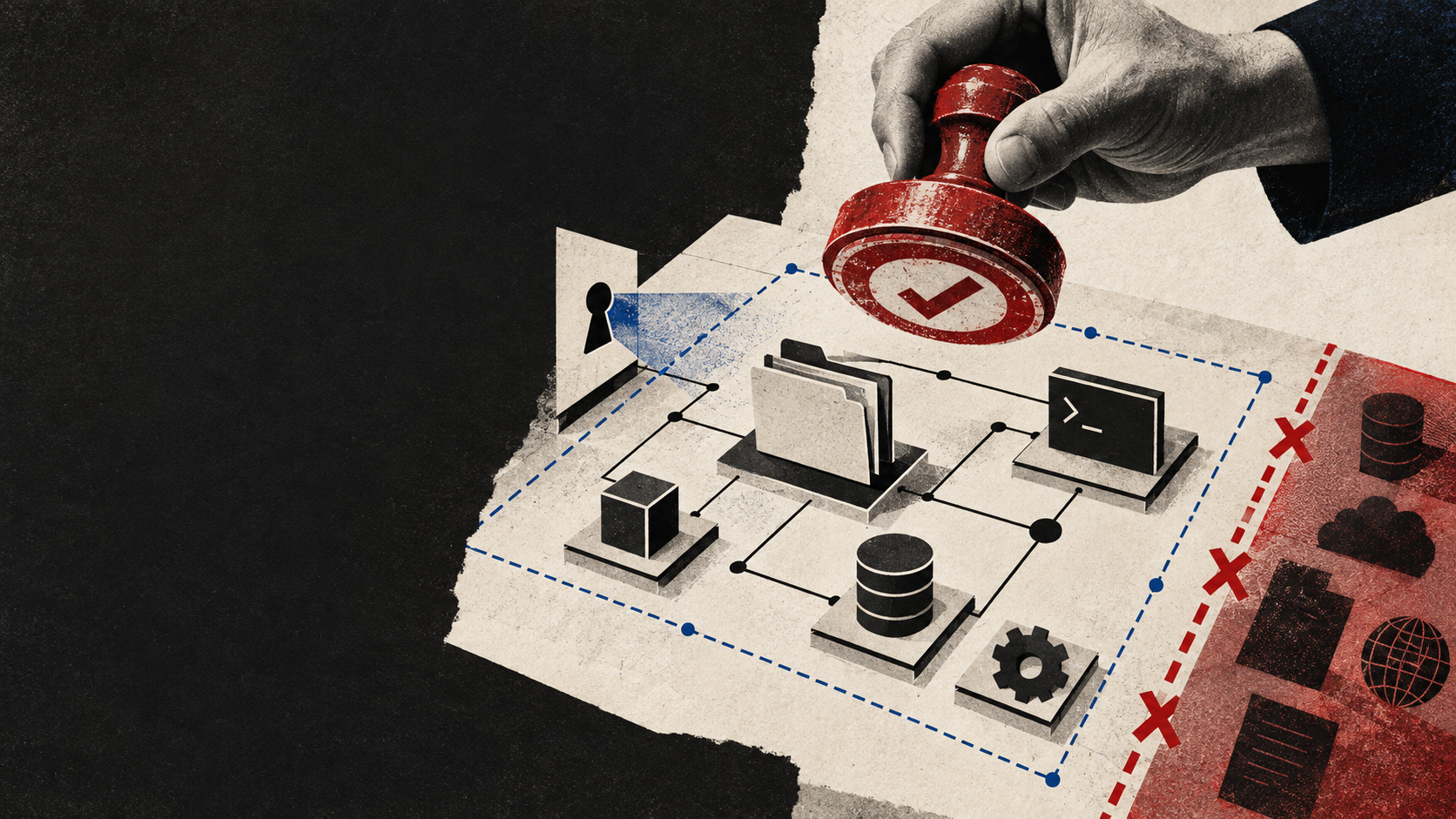
AI coding agents on a team: where speed ends and control begins
How to give an AI coding agent useful access to a repository, issue tracker, and environment without making CI, secrets, and production depend on a prompt.
Telegram Bot Development & Automation
Telegram bot development for business: chatbot flows, CRM integrations, payment-enabled bots, admin panels, analytics, and ongoing support.
Business Automation & CRM Integrations
Business process automation and CRM integration services: lead automation, API integrations, webhooks, and workflow optimization for operations and sales.
AI Assistant & LLM Integration Services
AI assistant development for business: LLM integration, GPT chatbot, RAG knowledge base, support automation, and CRM-connected AI workflows.
Professional development for your business
We create modern web solutions and bots for businesses. Learn how we can help you achieve your goals.